Mobile Workshop
Help your students turn a day of discovery into a next step. Start with the planning essentials, then follow your checklist for before, during, and after the Mobile Workshop visit.
Here’s what to plan for before you meet with the team. We’ll work through your campus details together and finalize the visit.
Set aside time for a Zoom meeting to finalize parking, student rotations, and visit details.
Plan for campus access the evening before your visit. Confirm the arrival time with the team.
Select helpers who can be available all day. The team will confirm the number and training time.
Use this as a starting point for your student count. Final group sizes and rotations are set with the team.
Bring photos of your proposed parking area, your estimated student count and grade levels, the school’s bell and lunch schedule, and an on campus contact. Flag any accessibility or student support needs so we can plan together.
Read the BPBP planning guide (PDF)Test both survey links on a school device ahead of time. If blocked, contact your school’s technology team and workshop contact.
The trailer is 53 feet long, but the full setup needs more room. The BPBP planning guide lists a level 120 × 50 foot area, roughly 18 parking spaces wide by two rows deep. Reserve it with cones and keep bus, carpool, and fire lanes clear. Send photos and confirm the location with the workshop team.
Plan for arrival and setup the evening before your visit. The BPBP planning guide allows 90 minutes for setup and 90 minutes for breakdown. Confirm campus access, arrival, and departure times during your planning call.
Start by planning for about 30 students per hour. The BPBP planning guide lists groups of 25–30 students and 45–60 minutes on board. The team will help you set rotations and the final daily student count around your school schedule.
The BPBP planning guide lists participating students as age 13 and older. Share your proposed grade levels and any accessibility or support needs during the planning call so the team can confirm a suitable plan.
Confirm your school’s operating times with the workshop team. Your final schedule should include MVP orientation, student rotations, class transitions, and any breaks.
Arrange the approved parking area, campus access, a designated school contact, student groups and rotations, and your student MVPs. At least one teacher or school supervisor must stay with each group throughout the workshop experience.
Plan for 6–8 student helpers who can be available all day. Confirm the exact number, eligibility, and orientation time with the workshop team before choosing your group.
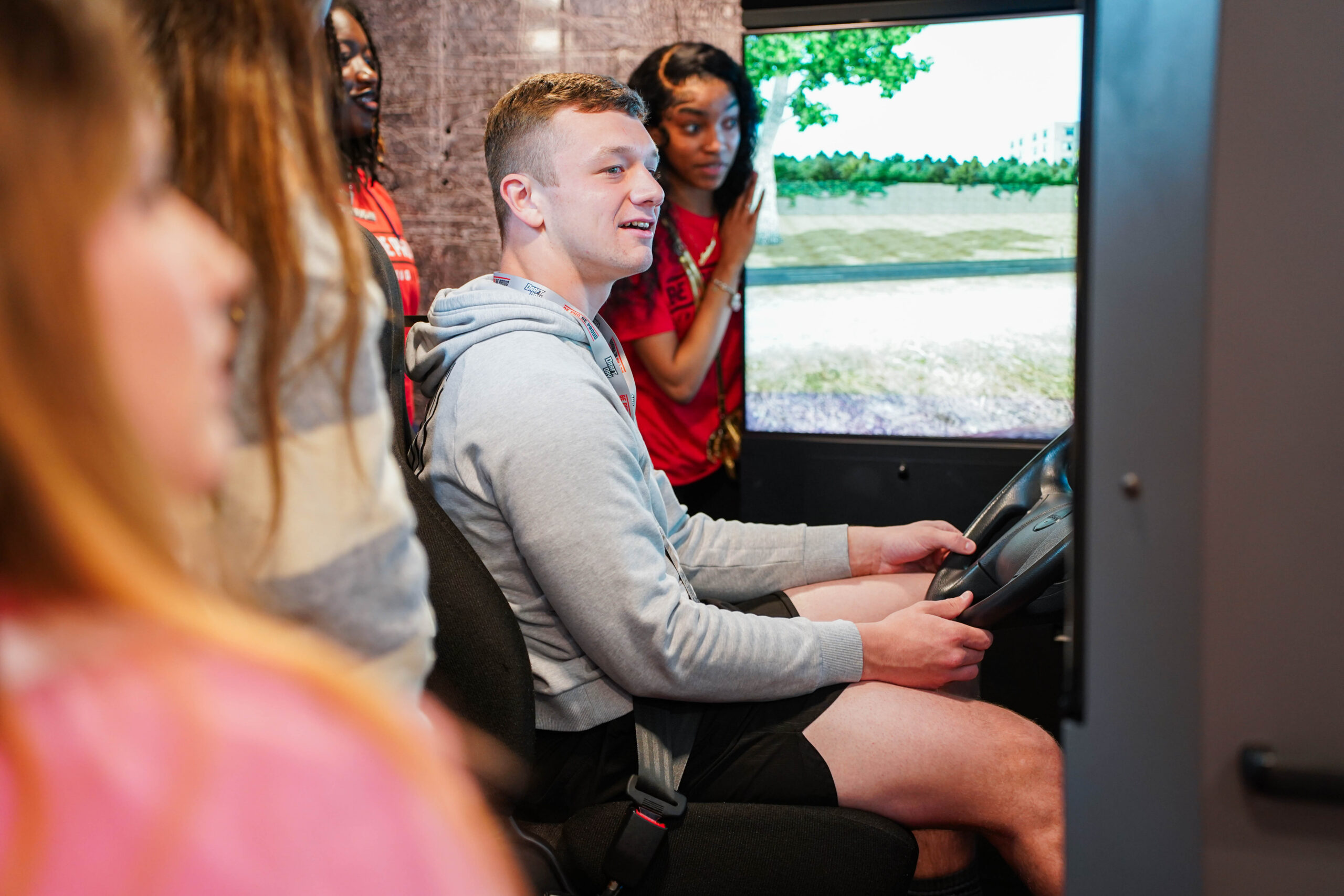
Our Florida workshop offers 15+ interactive career experiences through simulators and VR, including welding, commercial driving, heavy equipment, electrical work, plumbing, and robotics.
The 60 minute and 90 minute BPBP sample schedules are linked in the Before the visit section. They show ways to organize workshop time, surveys, and transitions. Use them as examples, then confirm your school’s rotations with the team.
Every participating student should complete the student pre visit survey before the workshop and the student post visit survey afterward. Teachers should also complete the separate educator feedback survey within 10 days. All three links are included in this guide.